
Fictional brand · Actual MakeMyShape output
01Footwear
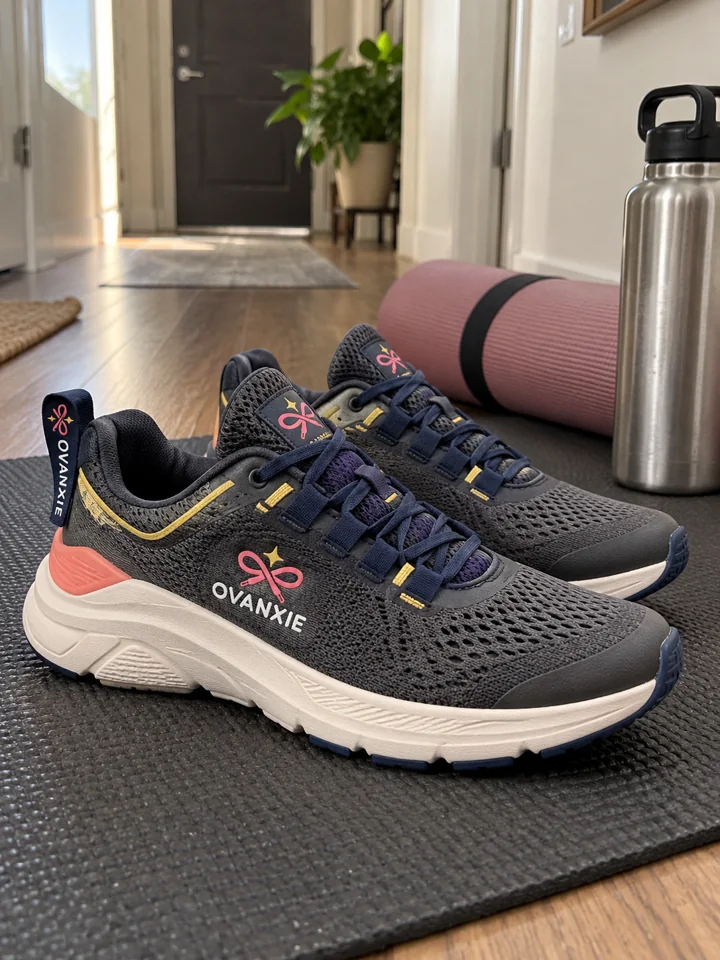
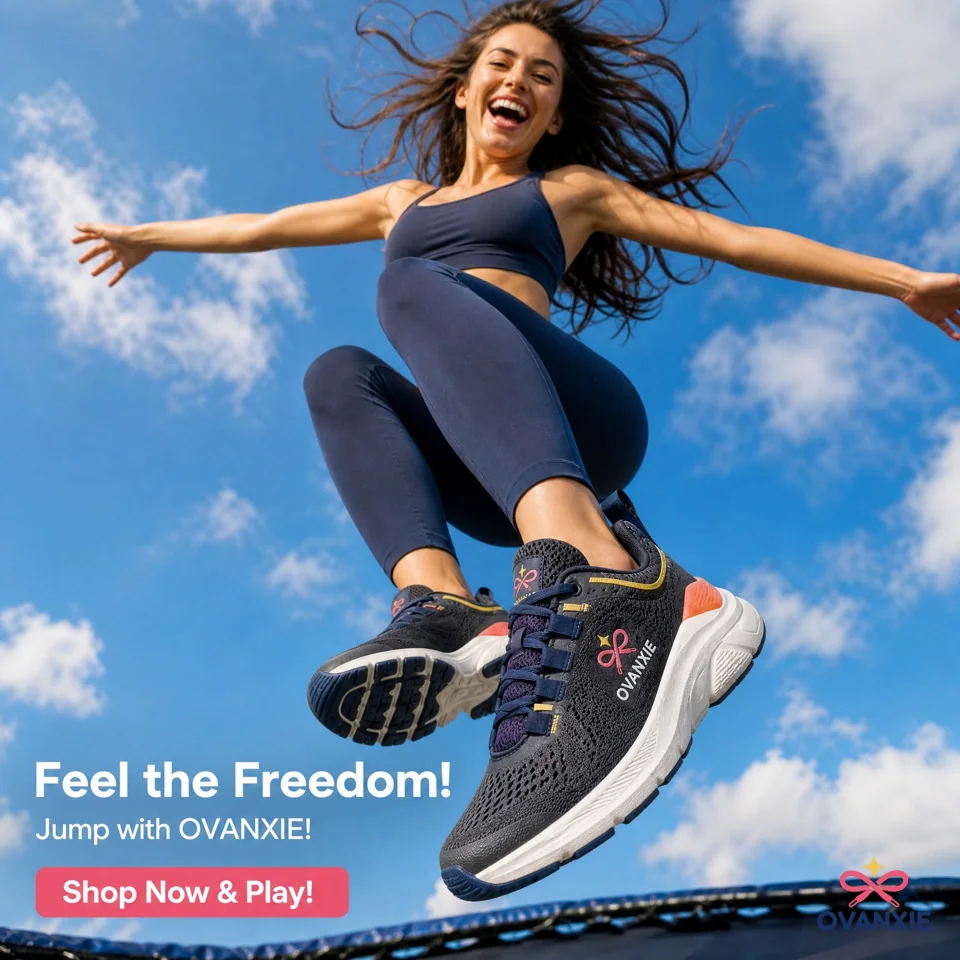
Ovanxie
Motion Lift trainers
The creative direction
From the hallway to an energetic outdoor campaign.
Explore the original and generated scene, side by side.
A creative studio for your next launch
Turn a product photo into your next campaign creative. Explore new scenes, styles, and stories with AI — built for brands, creators, and online businesses worldwide.
Start with one-time free credits. Try your own product before choosing a plan.
Follow the creative flowFictional demo brands. Actual inputs & MakeMyShape outputs.
Follow the transformation
See exactly where each creative started.
Compare the original, explore variations, and inspect the details for yourself.
Meet our fictional demo brands. These are actual MakeMyShape outputs from the supplied source images, not customer endorsements or guaranteed results.
Fictional brand · Actual MakeMyShape output
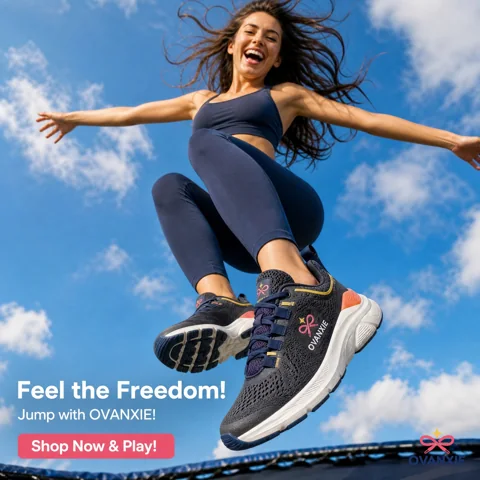
Motion Lift trainers
From the hallway to an energetic outdoor campaign.
Explore the original and generated scene, side by side.
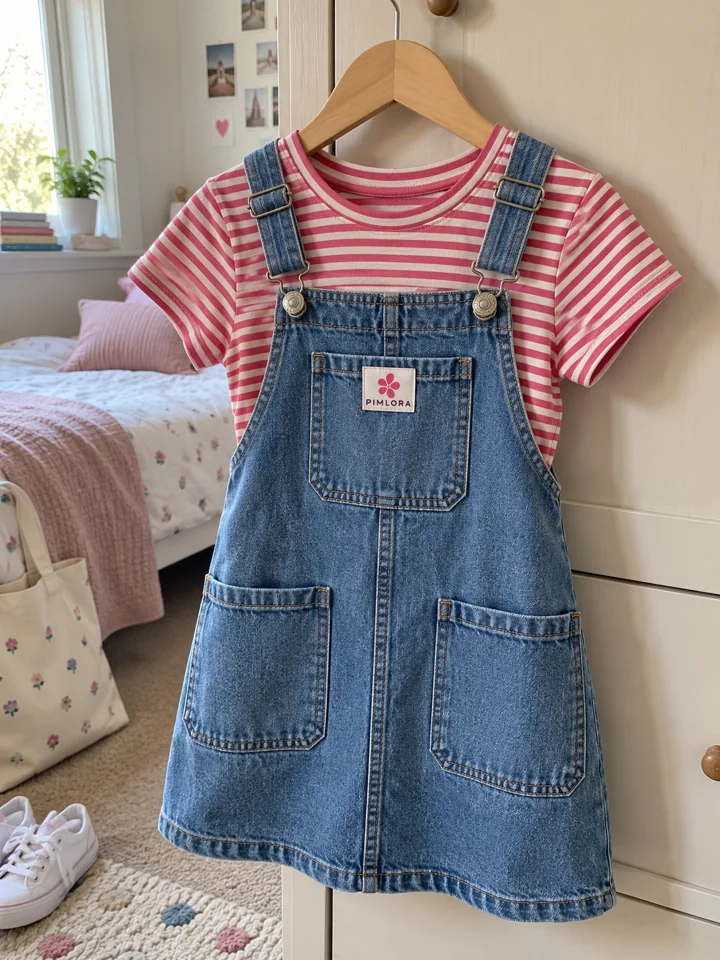
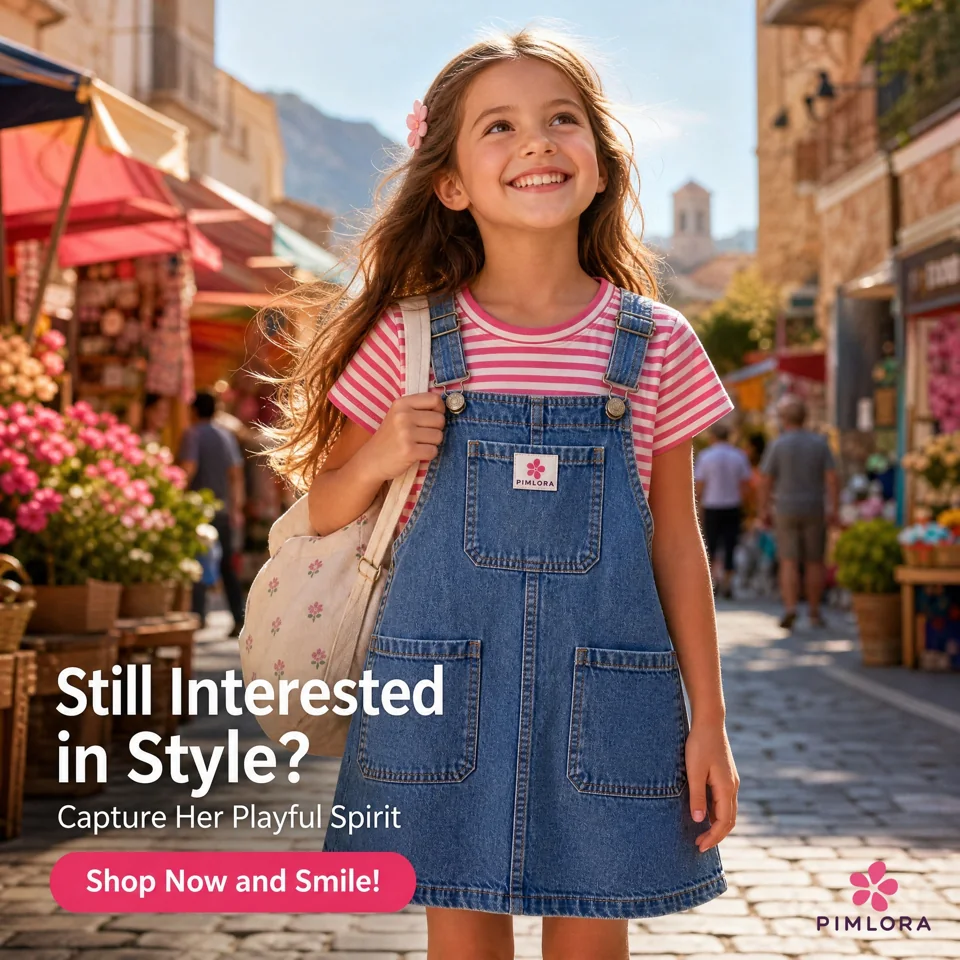
Fictional brand · Actual MakeMyShape output
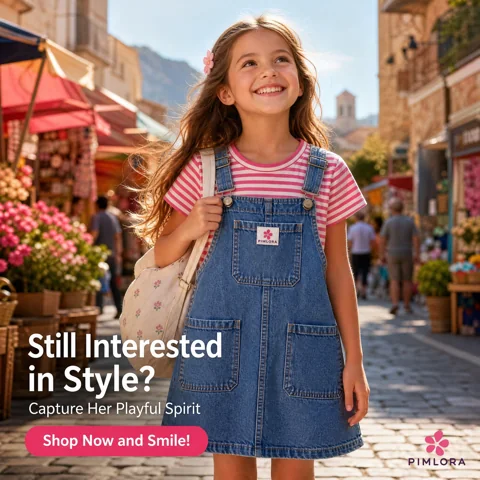
Striped tee & denim pinafore
One outfit. Two playful outdoor campaign directions.
Explore the original and generated scene, side by side.
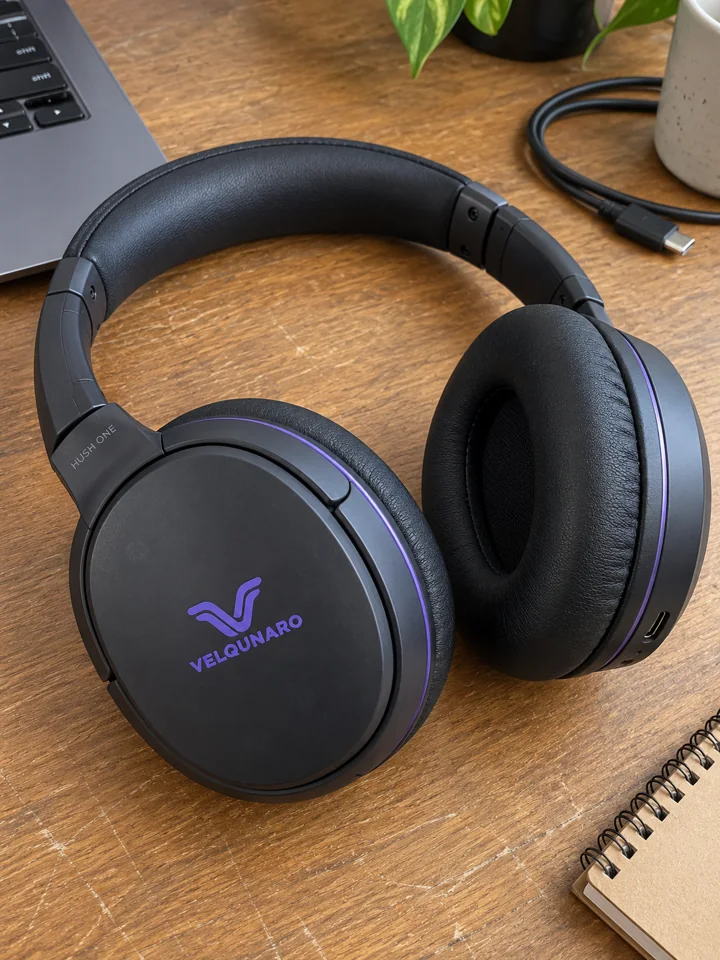
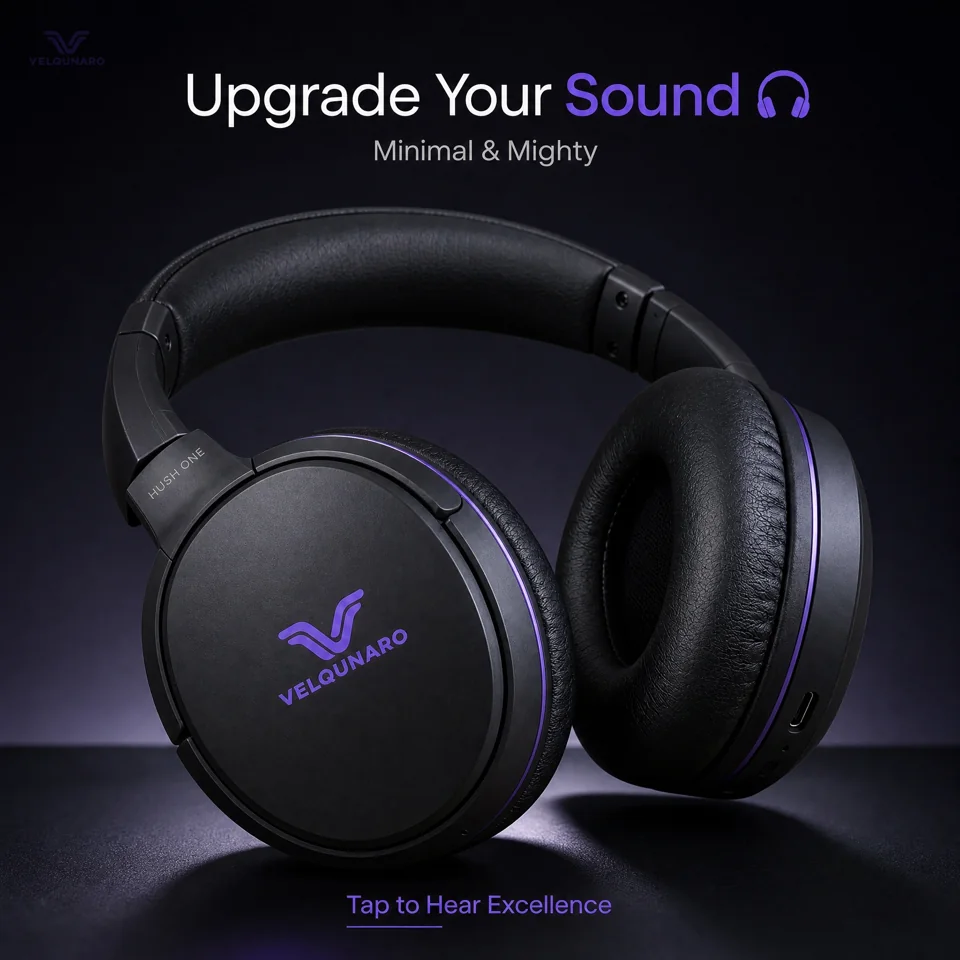
Fictional brand · Actual MakeMyShape output
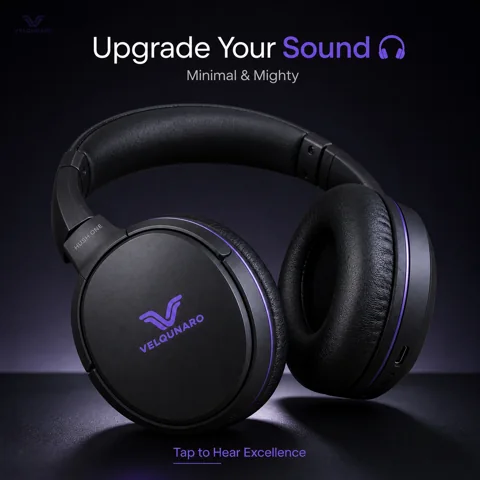
Hush One headphones
From a desk photo to a dramatic, sound-first creative.
Explore the original and generated scene, side by side.
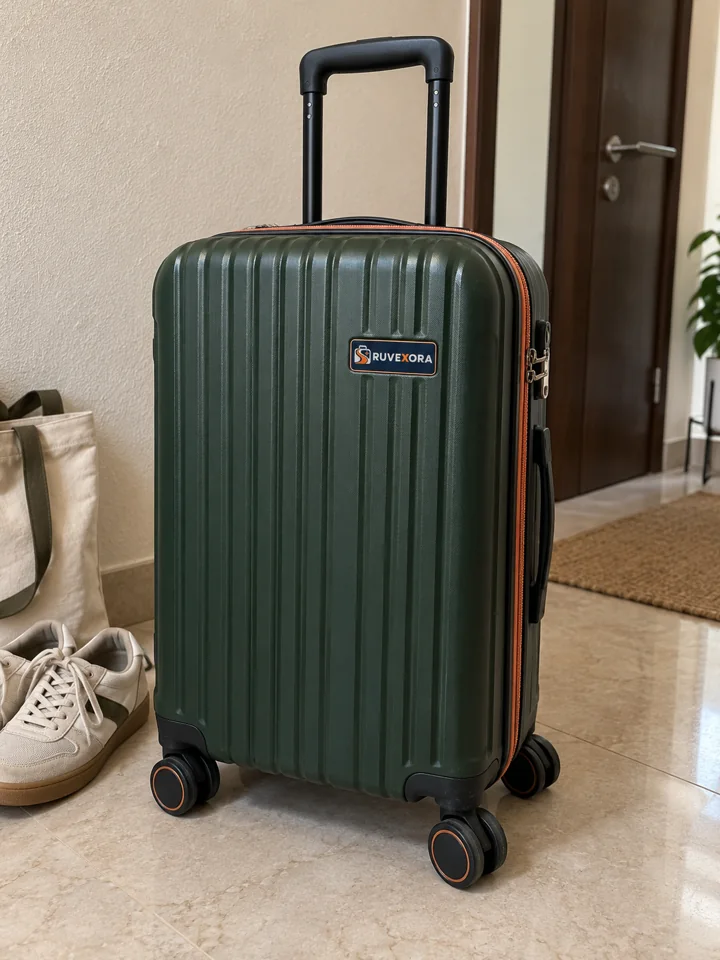
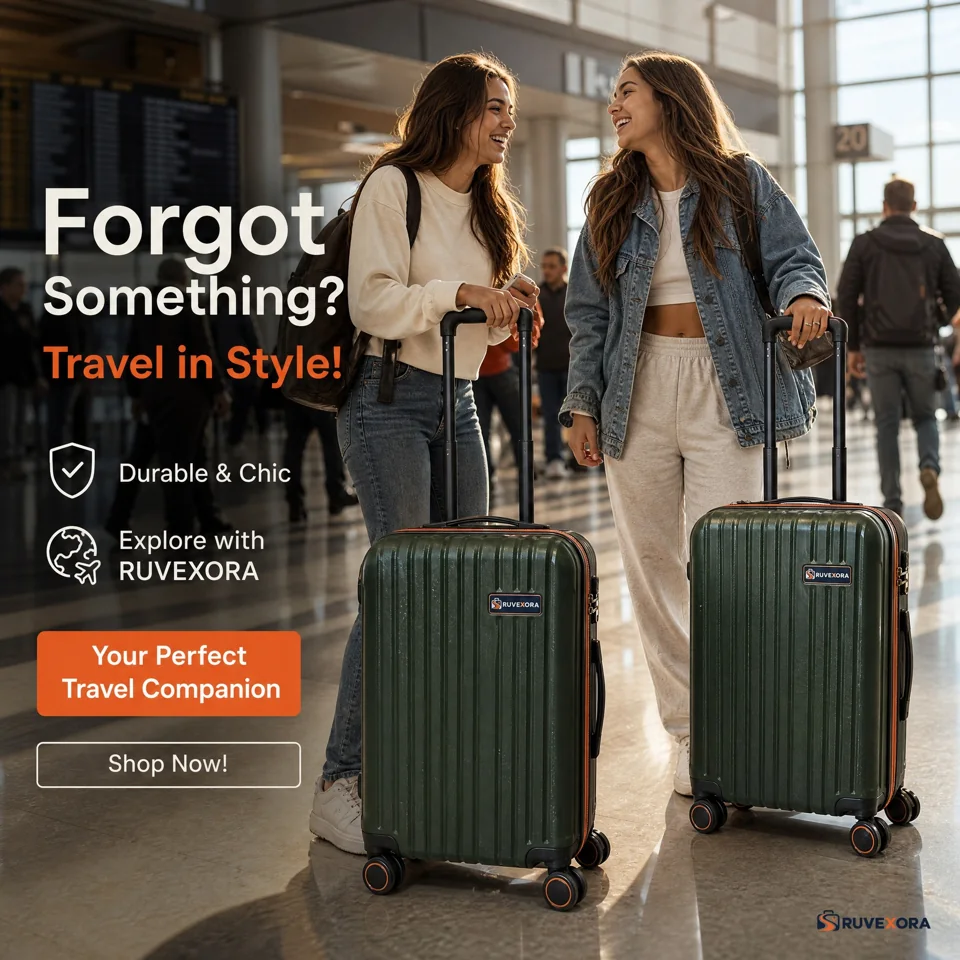
Fictional brand · Actual MakeMyShape output
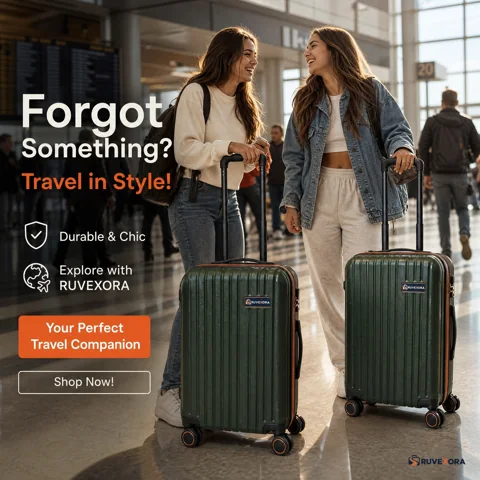
Atlas Cabin 55
A cabin case moves from home into a travel story.
Explore the original and generated scene, side by side.
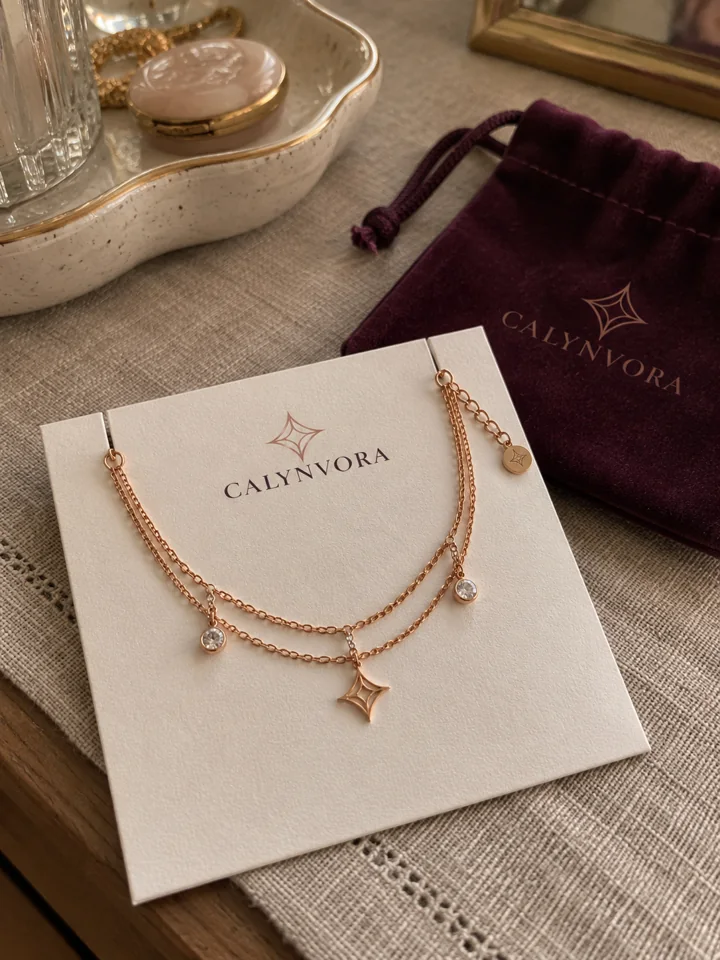
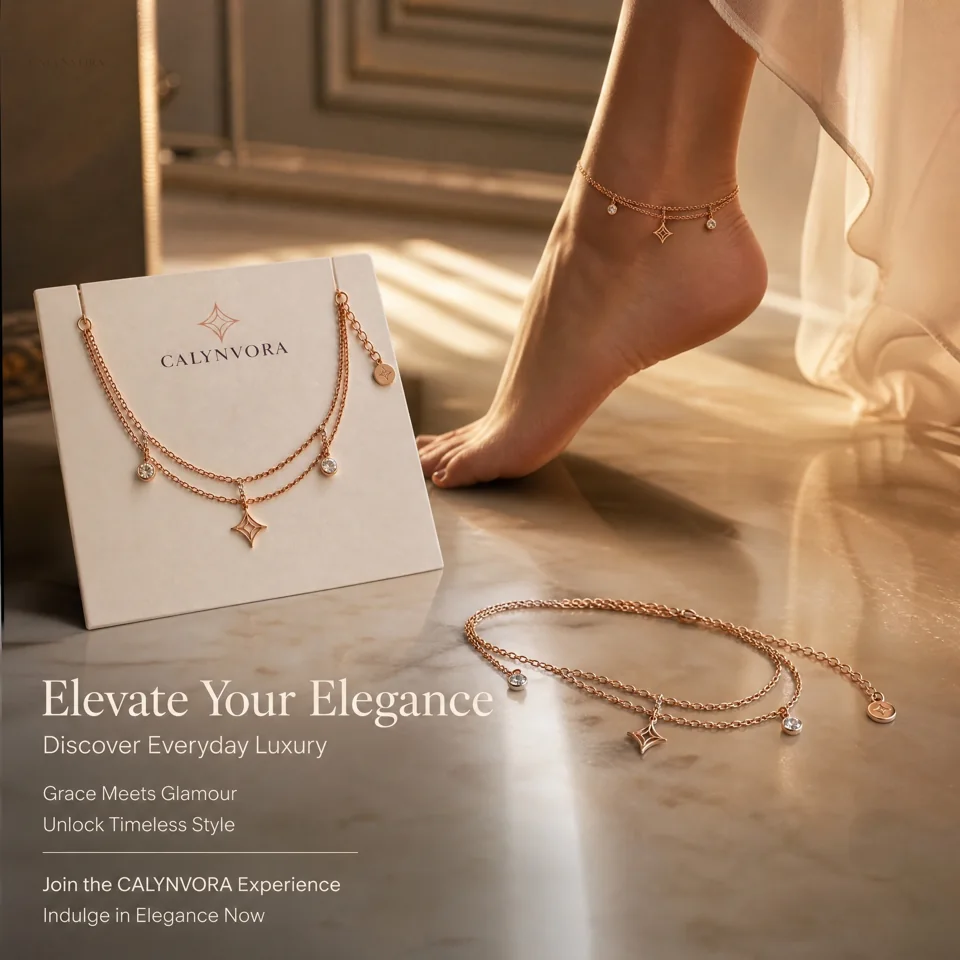
Fictional brand · Actual MakeMyShape output
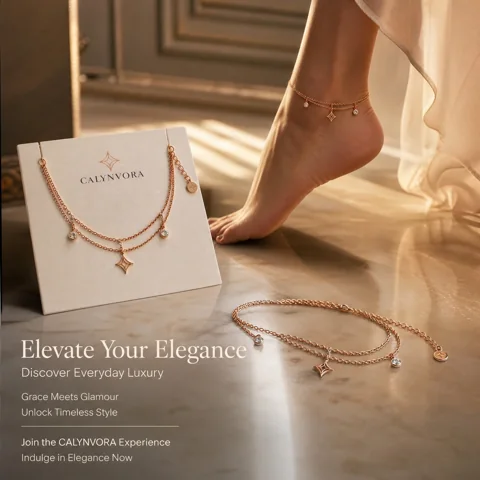
Serein Charm anklet
From a display card to a styled jewellery creative.
Explore the original and generated scene, side by side.
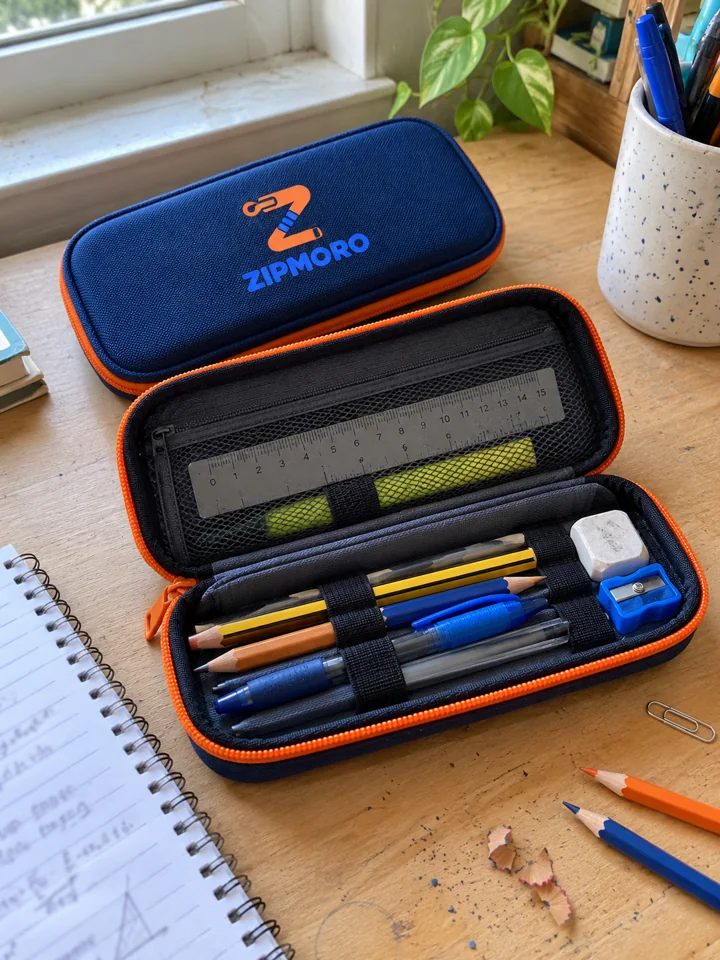
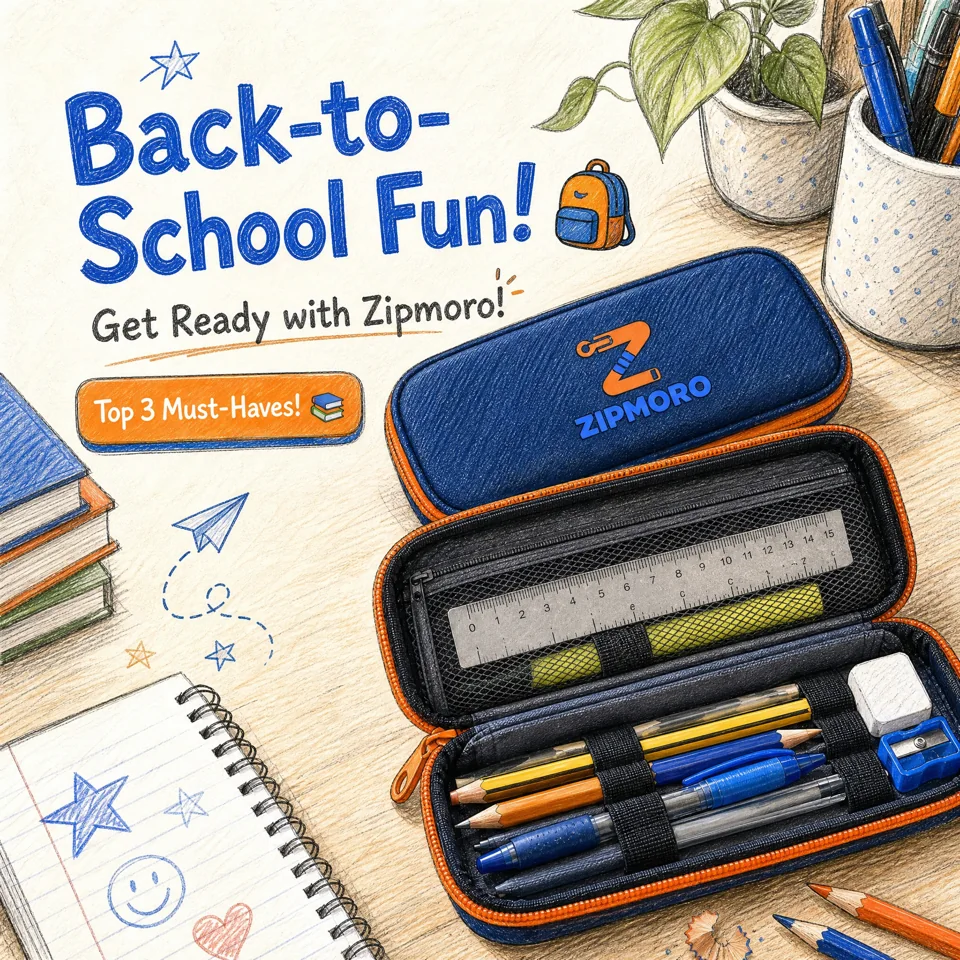
Fictional brand · Actual MakeMyShape output
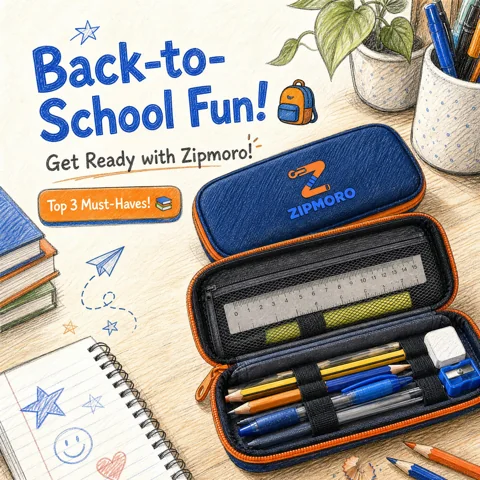
Flipcase
A study-desk photo becomes a back-to-school creative.
Explore the original and generated scene, side by side.
Know what to check
AI can change small text, logos, colours, and product shape. Compare your source and result at full size before publishing. Blurry labels, low light, glare, and busy backgrounds can make these errors more likely.
Use a sharp photo with the whole product visible. Try daylight, a plain background, and a second angle when the label matters.
Read every label and check the shape and colour. If a detail changes, try a clearer reference or another result. Never publish altered ingredients, specifications, or claims.
Our demo brands are fictional. The source images and generated outputs are supplied examples, not customer campaigns or promises of sales. Compare each source and generated result together in the viewer.
Set up your brand once. Bring a product photo or reuse a recent upload; your colours, logo, and tone are ready.
Choose an image or video. Add a scene or visual style if you like, and optionally pick a current trend for inspiration.
Review the result beside your original and edit the caption. Download or send to a connected social account on an eligible plan.
Room to grow
Free
About 6 draft images.
Get started$7.5 / month
About 54 standard images or 15s of Fast video.
Choose plan$21 / month
About 166 standard images or 47s of Fast video.
Choose plan$47 / month
About 400 standard images or 114s of Fast video.
Choose plan4,800 credits · refilled every month
2. What would you like to make?Your estimated creative potential
Together, from the same credit balance.
Estimates use draft images at 1024×1024 and 7-second 720p Fast videos. Your exact credit cost is shown before generation. Credits held for a failed generation return to your balance.
Create launch visuals, compare variations, and prepare short ads in one workspace. Social publishing is included on eligible plans. Monthly prices are shown above; checkout confirms the payable total. Plan credits reset each billing period and don’t roll over. Free credits are a one-time grant of 30 after phone verification. Top-up credits cost ₹1.25 each and never expire. Refunds & cancellation.
Before your first creative
Brands, creators and online businesses worldwide preparing product launch posts, catalogue creatives and short social ads.
Start with at least one product photo and a saved brand name. An idea prompt is optional. Your saved brand colours, tone and audience help guide the creative; you can change them anytime.
Yes. Write the scene and style in your brief or choose a supported visual style. Explicit requirements take priority over defaults. AI can still miss details, so inspect the output before sharing.
No. Trend inspiration is optional. You can choose up to three dated, sourced trend topics relevant to your brand or use the normal product-led story. Search popularity does not guarantee ad performance.
Caption drafts can be prepared alongside image or video generation. Review product claims and edit the caption before publishing. If caption preparation fails, you can write your own.
Starter, Pro and Business users can submit completed creatives to connected Instagram or Facebook accounts. An eligible account, valid permissions and a working connection are required. Submission is queued; its final status appears in Social Accounts.
Images and videos share one credit balance. Every setting has a fixed credit price that depends on image quality, video tier and length, extra references and variations; the workspace shows the exact cost before generation. Plan credits reset each billing period and don't roll over. The Free plan includes a one-time grant of 30 credits after phone verification, not a monthly refill. Top-up credits never expire.
These fictional demo brands were created for the showcase. Each supplied source is paired with its actual MakeMyShape output, with additional variations where available. Inspect the supplied source and generated result together in the comparison viewer. These are not customer endorsements or guaranteed results.
No perfect preservation is guaranteed. AI can change lettering, logos, colours and shape. Compare the untouched source with the full-size output, especially for fine print and difficult phone photos. Do not publish incorrect ingredients, specifications or claims.
The next chapter is yours
Bring a clear product photo. Explore a direction. Make it yours.